

Hey there, tech enthusiasts! As a supplier of Intel AIO coolers, I often get asked a bunch of questions about how well these coolers perform. One question that pops up a lot is, "What is the maximum temperature the Intel AIO cooler can maintain the CPU at?" Well, let's dig into this topic and find out.

First off, let's understand what an AIO cooler is. AIO stands for All - In - One, and it's a type of liquid cooling system for your CPU. Unlike air coolers, which rely on fans and heat sinks to dissipate heat, AIO coolers use a liquid coolant to transfer heat away from the CPU. This generally makes them more efficient at cooling, especially for high - performance CPUs that generate a lot of heat.
The maximum temperature that an Intel AIO cooler can maintain the CPU at depends on several factors. One of the most important factors is the power consumption of the CPU itself. CPUs with higher TDP (Thermal Design Power) ratings generate more heat. For example, a high - end Intel Core i9 CPU can have a TDP of over 100 watts, while a lower - end Intel Core i3 might have a TDP of around 35 - 50 watts. Naturally, the cooler will have to work harder to keep a high - TDP CPU cool.
Another factor is the ambient temperature. If you're using your computer in a hot room, say around 30 - 35 degrees Celsius, the cooler will have a tougher time maintaining a low CPU temperature compared to a cooler environment, like a room at 20 degrees Celsius.
The size and design of the AIO cooler also play a crucial role. Larger AIO coolers usually have bigger radiators and more fans, which means they can dissipate heat more effectively. For instance, a 360mm AIO cooler will generally perform better than a 120mm AIO cooler.
Let's talk about some real - world scenarios. In normal, everyday use, like web browsing, word processing, and light gaming, an Intel AIO cooler can keep the CPU temperature quite low, usually in the range of 30 - 40 degrees Celsius. This is because the CPU isn't under heavy load, so it doesn't generate a lot of heat.
However, when you start pushing the CPU to its limits, like during intense gaming sessions, video editing, or 3D rendering, the temperature will rise. In these situations, a good Intel AIO cooler should be able to keep the CPU temperature below 80 - 85 degrees Celsius. This is considered a safe operating temperature for most Intel CPUs.
But what if you overclock your CPU? Overclocking means running the CPU at a higher clock speed than its stock settings, which increases its performance but also generates a lot more heat. When overclocking, the temperature can easily shoot up. With an Intel AIO cooler, you might be able to keep the CPU temperature around 90 - 95 degrees Celsius, but this is really pushing the limits. You need to be careful when overclocking, as sustained high temperatures can shorten the lifespan of your CPU.
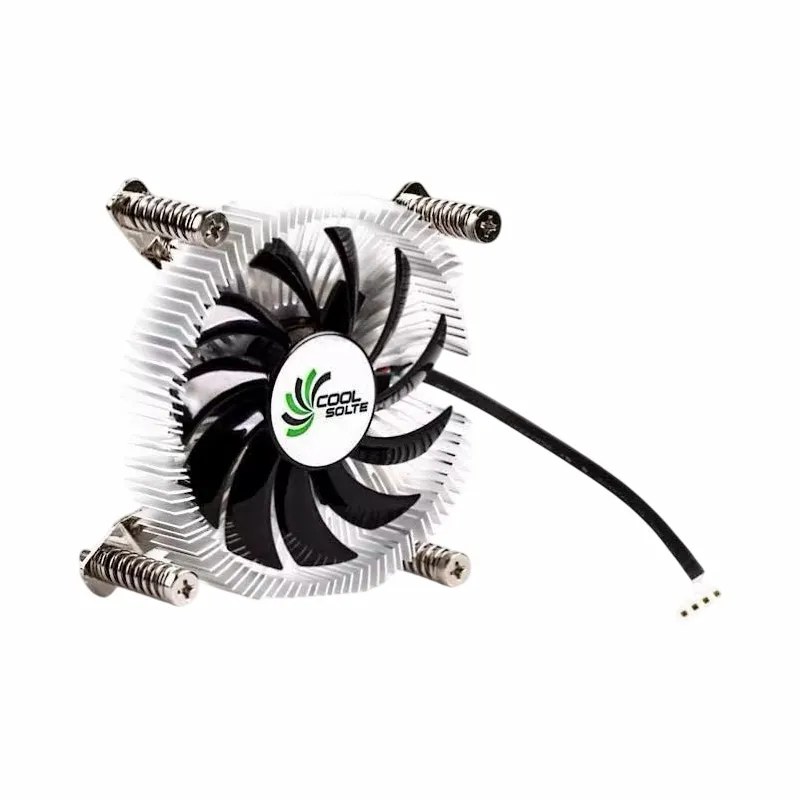
Now, I'd like to mention some of the other cooling products we offer. If you're looking for an alternative to an AIO cooler, we have some great options. Check out our Air Cooler Fans Cooling Heat Sink for CPU. These air coolers are a great choice for those on a budget or for systems that don't require extreme cooling. They use a combination of fans and heat sinks to dissipate heat from the CPU.
We also have the Computer Cooler Fan with Alloy Aluminium CPU Heat Sink. The alloy aluminium heat sink provides excellent heat dissipation, and the fan helps to move the hot air away from the CPU.
And for those who need a high - performance cooling solution for AMD or Intel CPUs, our Copper CPU Heatpipe Radiator for AMD Intel is a top - notch option. Copper is an excellent conductor of heat, and the heatpipe technology helps to transfer the heat from the CPU to the radiator more efficiently.
If you're in the market for a cooling solution, whether it's an Intel AIO cooler or one of our other products, we're here to help. Our products are designed to provide reliable and efficient cooling for your CPUs. Whether you're a casual user or a hardcore gamer, we have the right solution for you.
So, if you're interested in learning more about our products or want to start a procurement discussion, feel free to reach out. We're always happy to talk about how our cooling solutions can meet your needs.
References:
- Intel official documentation on CPU thermal specifications
- Various tech review websites for real - world CPU temperature testing results